What the triangle icon on Samsung smartphones means: a guide for users
Samsung Galaxy users often encounter an unfamiliar triangle icon in the status bar. This indicates that the Data Saver mode is currently active.
 💡Tech
Photo: UNIAN
Key points
- Triangle in the status bar indicates Data Saver mode
- The feature restricts background app activity
- Notifications may be delayed
- The mode can be disabled in network settings
Samsung Galaxy smartphone owners often notice a triangle icon with arrows pointing up and down in the status bar. This symbol often causes concern as it visually resembles a warning sign, but it does not indicate a device malfunction.
Reasons for the indicator
The appearance of this icon means that the "Data Saver" mode is active on your device. In Samsung's One UI, this mode is represented by this specific symbol, whereas in stock Android, it typically appears as a circle with a plus sign.
When this mode is enabled, the system restricts apps from accessing mobile data in the background. As a result, notifications from messaging apps, social media, and email services may be delayed, as the apps do not have constant network access.
How to restore notifications
If you accidentally activated this mode, you can turn it off in the network connection settings. Once deactivated, the icon will disappear, and background data synchronization will resume automatically.
It is worth noting that the "Data Saver" function is useful during trips abroad or when using data plans with limited gigabytes. Users can also configure exceptions, allowing specific important apps to run in the background even when the data saver is active.
Source UNIAN — unian.ua/techno/software/trikutnik-u-ryadku-stanu-samsung-shcho-ozn… ↗
Read next
 🇺🇦Ukraine
Donald Trump comments on Russian missile incidents in Poland
Former U.S. President Donald Trump addressed the violation of Polish airspace by Russian weapons, characterizing the events as a "mistake."
 🏙️City
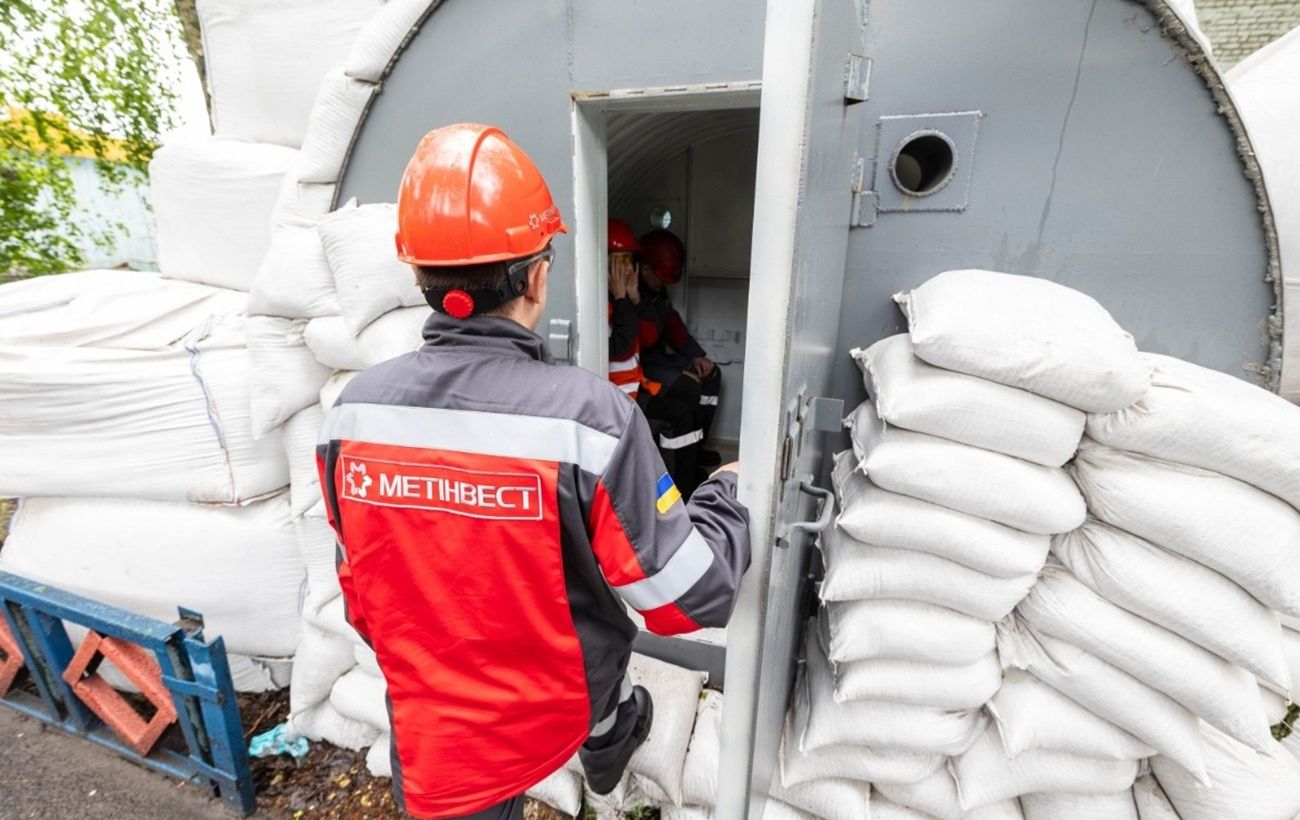
Industrial Safety: Metinvest Expands Network of Mobile Steel Shelters
The Metinvest Group is actively deploying modular steel bunkers across its facilities to protect employees during air raid alerts.
 🇺🇦Ukraine
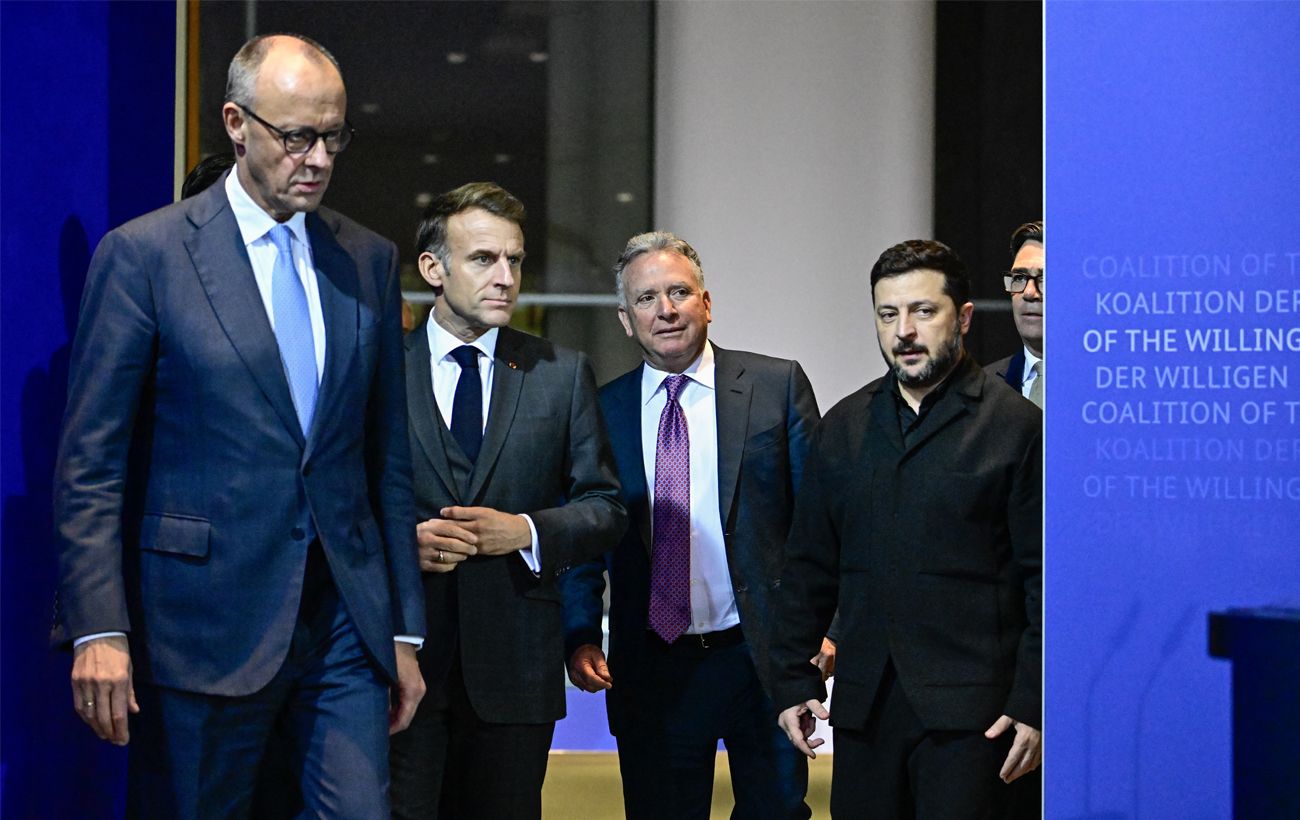
European leaders consider Moscow visit conditional on substantive role in negotiations
European diplomats are open to dialogue with Russia provided they are granted a meaningful role in the peace process and security guarantees for Ukraine are secured.
 🛡️Security
Czech President warns of airspace violation risks due to Russian aggression
Petr Pavel stated that incidents involving Russian objects violating NATO airspace are a logical consequence of Moscow's current geopolitical strategy.
 🎓Education
Eastern Calendar: When the 2027 Year of the Red Fire Goat Begins and What It Brings
According to Eastern tradition, the Year of the Red Fire Goat will begin on February 6, 2027, and last until January 25, 2028.
 🩺Health
Poland Asks NATO Allies to Reinforce Air Defense After Border Violations
Polish Defense Minister Władysław Kosiniak-Kamysz urged NATO allies to strengthen the country's airspace defense following recent missile and drone incursions.